STM
Analog
Website Support

-
STM SMPS @
eDesign Studio
Reference page: https://my.st.com/cas/login?service=https://my.st.com/analogsimulator/
-
eDesign Studio - Introductions
This tool simplifies power
supply design and offers designers the flexibility to choose the right
products and topologies.
A full design is generated from
the high-level requirements specified by the user, and provides:
- all relevant
parameters and results
- a full and
interactive schematic
- a full and
interactive bill of materials (BOM)
- a full set of
analysis diagrams
The user can fine tune the
proposed design by adding more advanced constraints for stability
performance and component selection.
For use this SW follow the steps below.
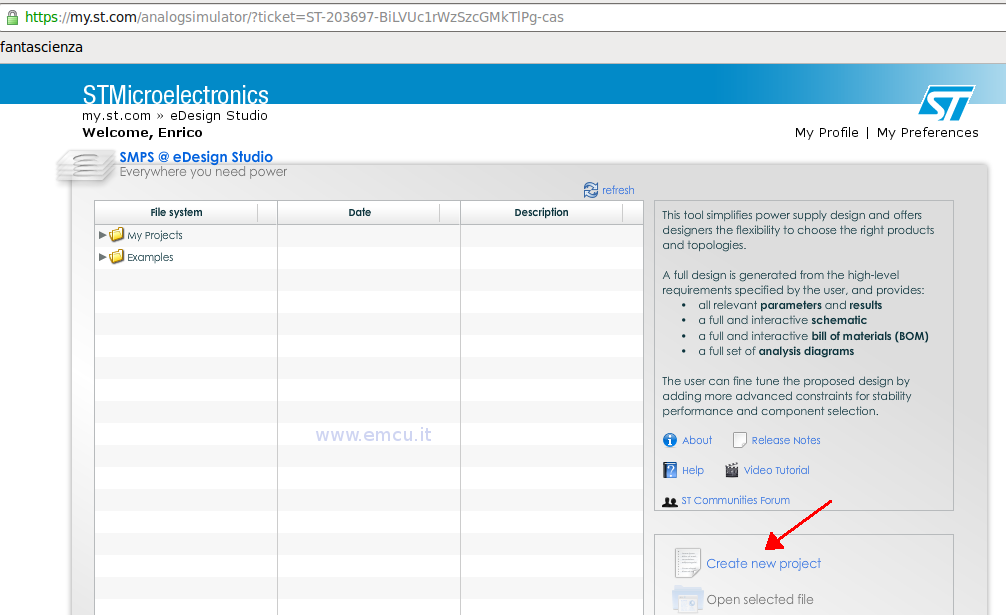
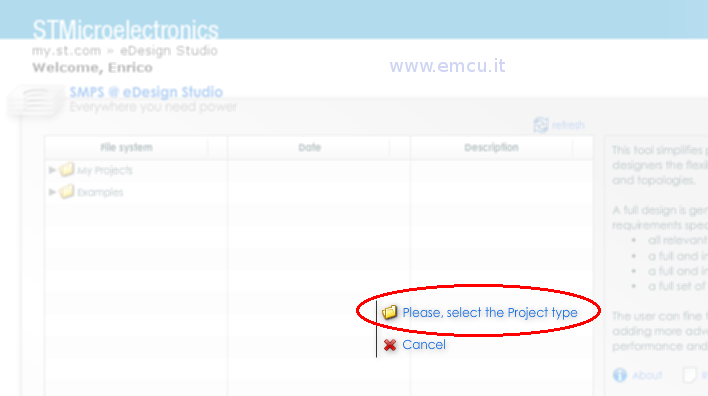
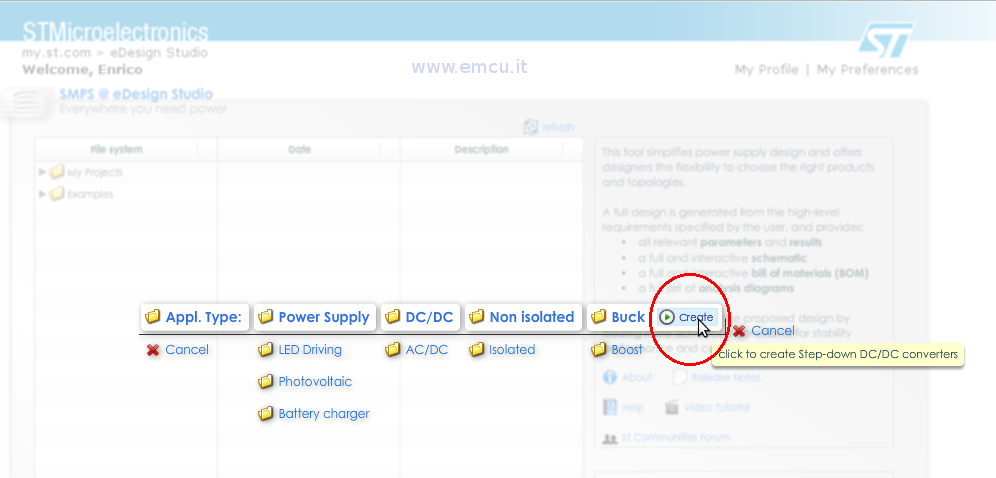
- From the new window that appears select (for example) L7980 and configure Vin, Vout, I and %
Note:
--- The STM site is not fast so be patient.
--- The components are not in alphabetical order.
(see below)
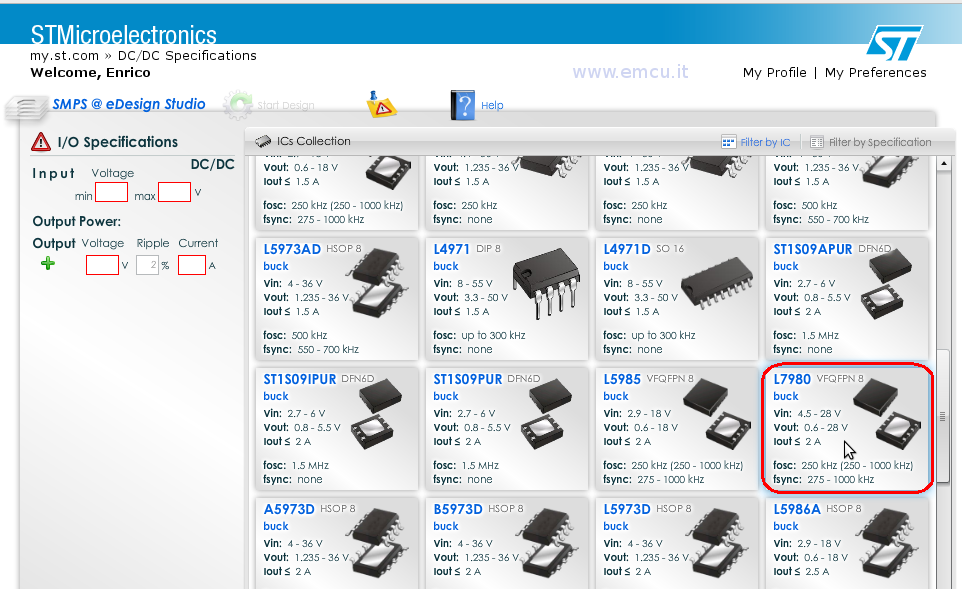
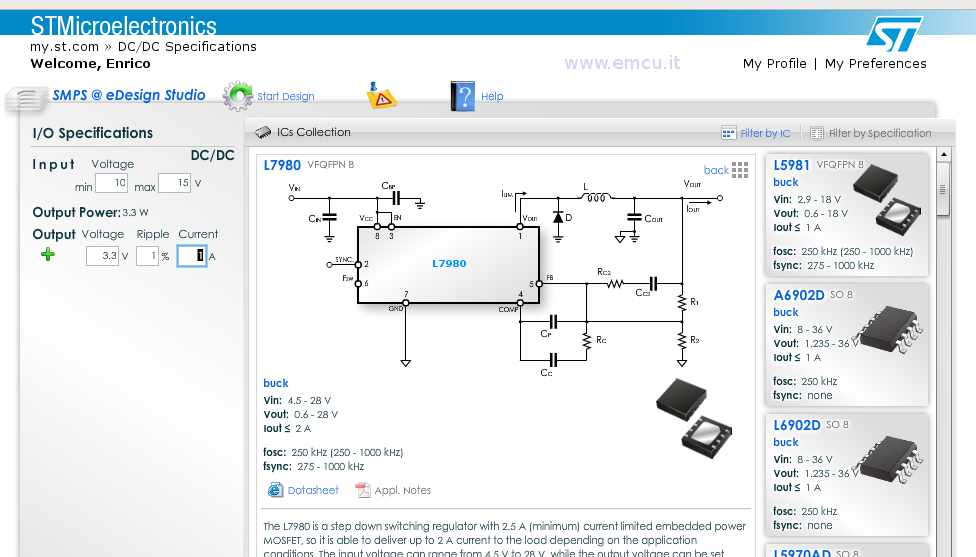
Now press Start Design icon  and a new windows appears.
This is all.
Click here to go on top.